

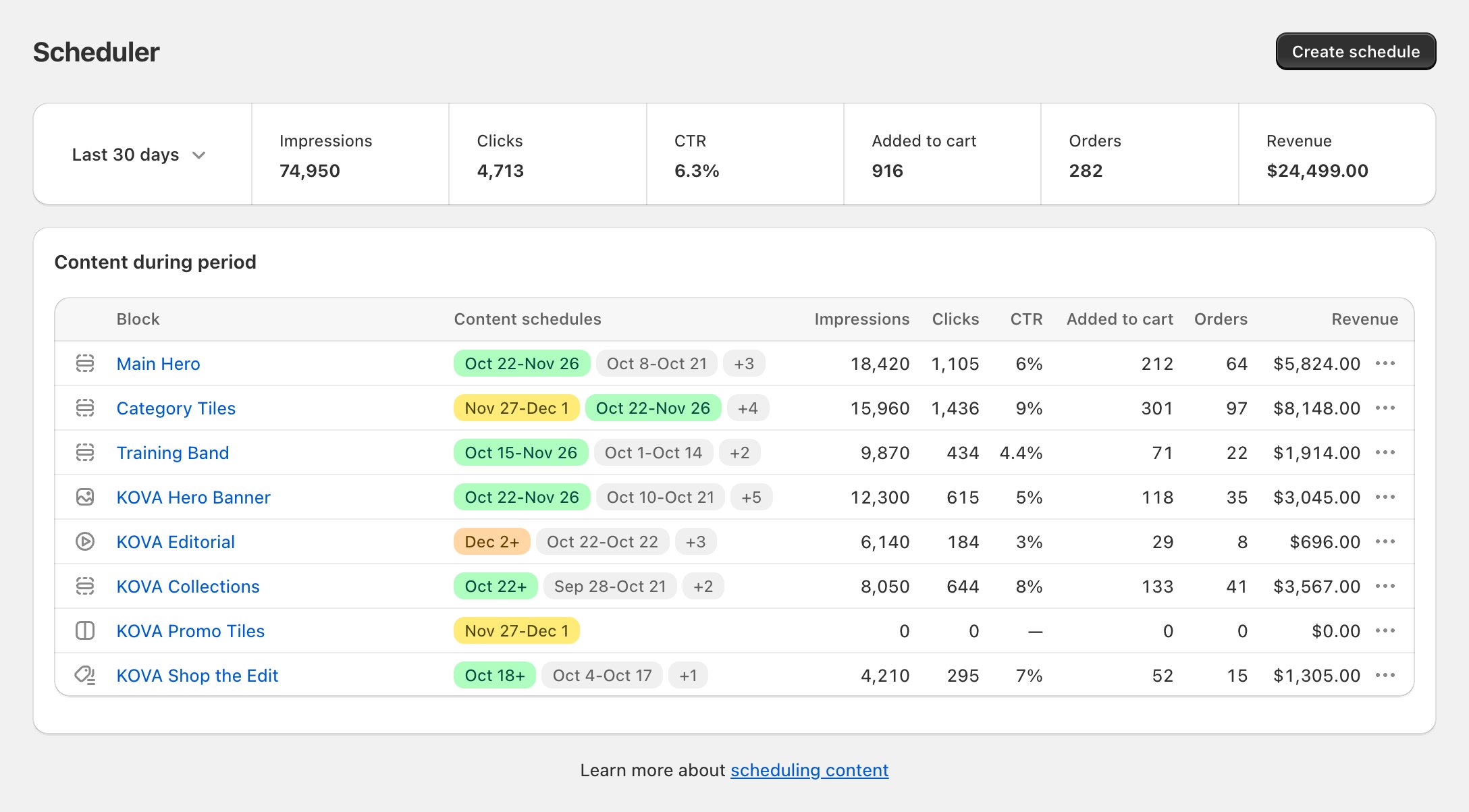
Example data
Two kinds of blocks
Theme sections
Sections already on your storefront. You connect one and Block Hero schedules its content. Nothing is added to your theme.
Block Hero blocks
Image Banner, Media Banner, Media Grid (2), Collection Grid and Collection List. You add them to your theme in the theme editor.
Start here
Get started
Install Block Hero, choose a plan and open the app from your Shopify admin.
Turn on analytics
Switch on the Block Hero analytics app embed so your results are counted.
Scheduling
Create schedules, see when content goes live and what each status means.
Results
What each number means and how to read a block’s report.
Plans and billing
Plans, your free trial, and changing or cancelling.
Troubleshooting
Fix content that didn’t publish, missing numbers or a section that needs you.